

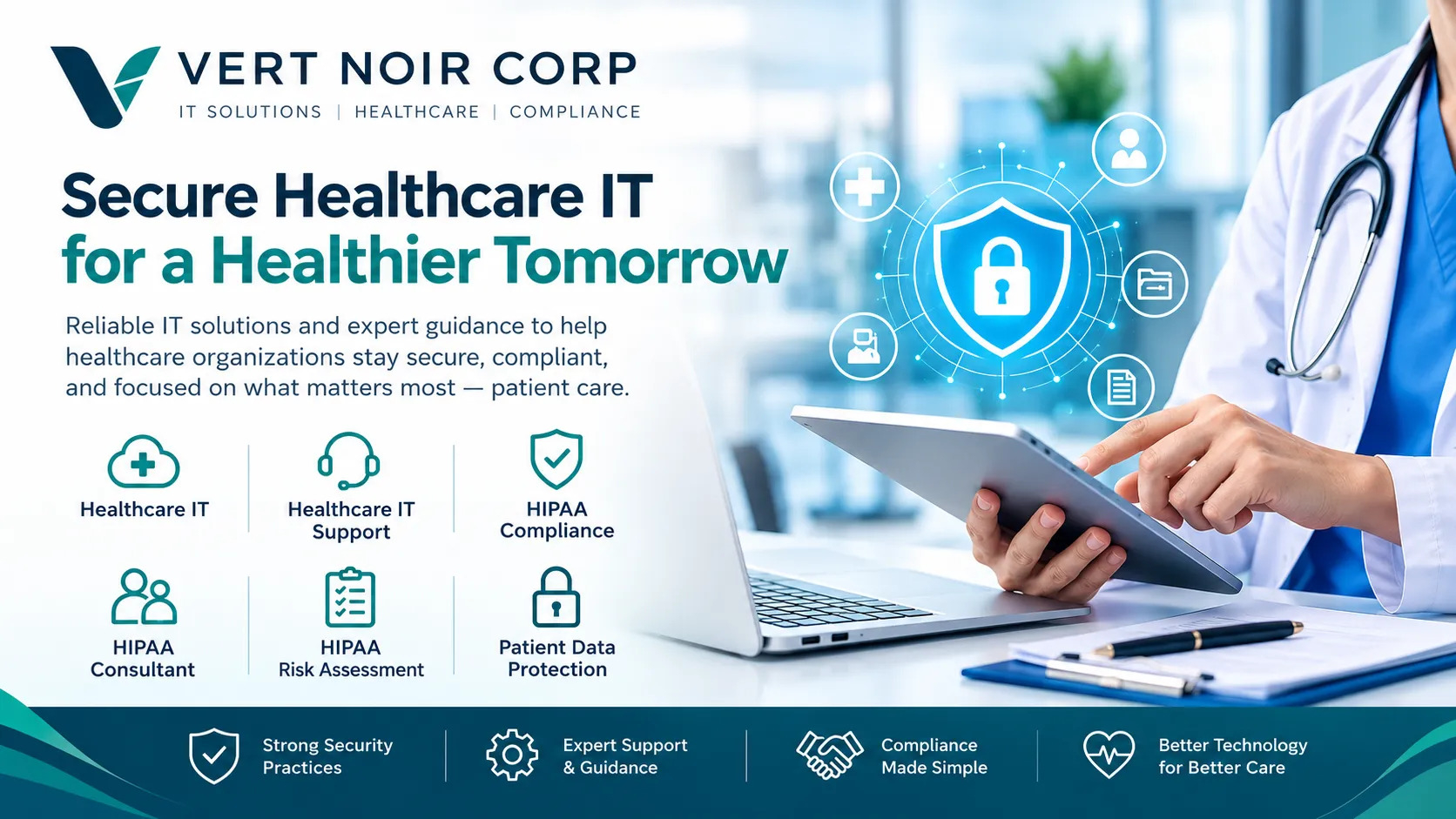
Healthcare IT Support: How to Reduce Downtime and Keep Medical Practices Running Smoothly

Healthcare providers depend on technology to deliver safe, efficient, and reliable patient care. From electronic health records and appointment scheduling to medical billing and digital communication, technology plays a central role in everyday operations. When these systems stop working, even a minor technical issue can disrupt appointments, delay patient care, and create additional pressure on medical staff.
Reliable IT support helps healthcare organizations keep their systems running, protect sensitive information, and maintain smooth workflows. Whether a practice operates with a small team or manages multiple locations, having the right technology infrastructure can make a meaningful difference in its daily performance.
Understanding how healthcare technology works, where common problems occur, and what support services are available can help medical practices make informed decisions about their IT needs.
Why Healthcare Organizations Need Reliable IT Support
Healthcare environments have technology requirements that differ from those of many other industries. Medical practices handle confidential patient information, use specialized clinical software, and depend on systems that must remain accessible throughout the working day.
A technical problem can affect more than employee productivity. It may interfere with patient scheduling, access to medical records, billing operations, and communication between healthcare professionals.
Reliable IT support helps organizations address these challenges through proactive maintenance, troubleshooting, security management, and technical planning.
Minimize Downtime and Operational Disruptions
Unexpected system failures can interrupt appointments, delay administrative tasks, and prevent staff from accessing essential information.
For example, a malfunctioning network connection may prevent a medical team from opening electronic health records or using cloud-based applications.
A dependable support process helps identify technical problems quickly and restore essential systems with minimal disruption. Proactive monitoring and regular maintenance can also reduce the likelihood of recurring issues.
Protect Sensitive Patient Information
Medical practices store highly confidential information, including medical histories, treatment records, insurance details, and personal identifiers.
Unauthorized access, accidental disclosure, and cyberattacks can expose this information and create serious privacy and compliance concerns.
Healthcare IT support can help organizations strengthen security through access controls, software updates, endpoint protection, secure backups, and employee awareness training.
Improve Staff Productivity
Healthcare professionals need technology that works consistently without creating unnecessary administrative burdens.
When employees repeatedly experience software errors, slow computers, or login problems, they lose valuable time that could otherwise be spent supporting patients.
A well-managed IT environment helps reduce these interruptions and allows staff to focus on clinical and administrative responsibilities.
What Is Healthcare IT Support?
Healthcare IT support refers to the technical services that help medical practices and healthcare organizations maintain, secure, and troubleshoot their technology systems.
These services may include managing computer networks, supporting medical software, maintaining hardware, protecting digital information, and assisting employees with everyday technical issues.
Depending on the organization's needs, support may be delivered remotely, on-site, or through a combination of both.
Common healthcare IT support services include:
-
Computer and workstation troubleshooting
-
Electronic health record system support
-
Network installation and maintenance
-
Cybersecurity monitoring and protection
-
Software updates and patch management
-
Email and communication system support
-
Data backup and recovery planning
-
User account and access management
-
IT infrastructure planning and maintenance
The specific services required depend on the size of the practice, its technology environment, and the systems used to manage patient care.
How Healthcare Managed IT Services Help Medical Practices
Healthcare managed IT services provide ongoing technology management through a dedicated service provider. Instead of relying entirely on internal staff to handle every technical issue, a medical practice can work with an external team to maintain its IT environment.
Managed services commonly operate through an ongoing support agreement that defines the services provided, response expectations, responsibilities, and costs.
This approach can help healthcare organizations maintain consistent technical support while planning for future technology needs.
Proactive Monitoring and Maintenance
Waiting for a system to fail before taking action can lead to avoidable downtime.
Managed IT providers may use monitoring tools to identify unusual system activity, storage limitations, performance problems, and other technical concerns.
Routine maintenance, security updates, and system checks help address issues before they develop into larger disruptions.
Proactive monitoring does not eliminate every outage, but it can improve visibility into the health of an organization's technology infrastructure.
Predictable IT Management Costs
Unexpected technology expenses can make budgeting difficult for medical practices.
Managed service agreements often provide a recurring cost structure for defined services, helping organizations plan their IT spending more consistently.
However, pricing depends on factors such as the number of users, supported devices, security requirements, software environment, and level of service.
Practices should review service agreements carefully to understand which services are included and which may involve additional charges.
Access to Specialized Technical Expertise
Healthcare technology involves a range of systems, from clinical applications to secure networks and data protection tools.
Smaller medical practices may not have the resources to employ specialists for every area of IT management.
A managed service provider can offer access to technical professionals with experience in infrastructure, cybersecurity, system administration, and healthcare technology.
When evaluating a provider, practices should confirm its experience with the software and workflows used in their environment.
Medical Practice IT Support: Essential Services for Everyday Operations
Medical practice IT support focuses on the technology needs of clinics, physician offices, specialty practices, and other healthcare facilities.
The goal is to keep essential systems functional, secure, and accessible while reducing the time staff spend dealing with technical problems.
Electronic Health Record Support
Electronic health record systems help healthcare professionals document patient visits, manage treatment information, and coordinate care.
Technical issues involving these platforms can interfere with clinical workflows and create administrative delays.
IT support may help troubleshoot login problems, resolve connectivity issues, manage workstation configurations, and coordinate with software vendors when application-specific problems occur.
Practices should also ensure that access permissions and system configurations support the secure handling of patient information.
Medical Billing and Practice Management Software
Billing and practice management applications help medical offices handle appointments, insurance claims, payment processing, and administrative records.
Problems with these systems can delay billing activities and increase the workload for administrative teams.
Technical support helps maintain the infrastructure these applications rely on and assists staff when software, network, or workstation issues arise.
Clear communication between IT personnel and software vendors can also help resolve complex technical problems more efficiently.
Network and Wi-Fi Management
A reliable network allows healthcare staff to access clinical applications, communicate internally, and use connected devices.
Poor network performance can result in slow applications, dropped connections, and delays when retrieving patient information.
Network support may include monitoring connectivity, maintaining network equipment, reviewing wireless coverage, and separating appropriate device groups to improve security.
Medical practices should also consider how guest Wi-Fi and staff networks are configured to reduce unnecessary exposure of sensitive systems.
Cybersecurity and Patient Data Protection in Healthcare
Cybersecurity is a critical part of healthcare technology management because medical organizations handle valuable and confidential information.
A security incident can affect patient privacy, interrupt operations, and create financial and regulatory challenges.
Healthcare IT support can help practices develop a security program that addresses technical vulnerabilities and everyday operational risks.
Prevent Phishing and Unauthorized Access
Phishing attacks often use fraudulent emails or messages to trick employees into revealing credentials or opening harmful attachments.
Security awareness training helps staff recognize suspicious communications and understand how to report potential threats.
Additional safeguards may include multifactor authentication, strong password practices, restricted user permissions, and monitoring for unusual account activity.
Maintain Secure Data Backups
Data backups help organizations recover important information after accidental deletion, hardware failure, or certain cyber incidents.
A reliable backup strategy should include appropriate access restrictions, secure storage, and regular restoration testing.
Healthcare practices should also establish recovery procedures that identify which systems must be restored first to support essential operations.
Support HIPAA Security Requirements
Healthcare organizations subject to HIPAA must follow applicable requirements for protecting electronic protected health information.
IT support can help implement and maintain technical safeguards such as access controls, audit mechanisms, authentication, and secure transmission practices.
However, technical support alone does not guarantee HIPAA compliance. Covered entities and business associates must address the applicable administrative, physical, and technical safeguards within their responsibilities.
Organizations should also evaluate service providers that may access protected health information and establish appropriate business associate agreements when required.
How to Choose the Right Healthcare IT Support Provider
Selecting an IT provider requires more than comparing monthly prices. Healthcare organizations should evaluate the provider's technical capabilities, security practices, and ability to support their operational needs.
Evaluate Healthcare Industry Experience
A provider should understand the technology used in medical environments, including electronic health records, practice management software, and healthcare communication systems.
Experience with healthcare workflows can help reduce misunderstandings and improve coordination when technical problems affect patient care.
Review Response Times and Support Availability
Technical issues do not always occur during convenient hours.
Medical practices should understand the provider's support hours, emergency procedures, response targets, and escalation process.
It is also important to distinguish between a guaranteed response time and the time required to resolve a problem.
Ask About Security and Backup Procedures
A prospective provider should be able to explain how it manages system access, protects sensitive information, applies security updates, and handles backups.
Healthcare organizations should also understand how incidents are reported and how responsibilities are divided between the practice and its IT provider.
Understand the Service Agreement
Before signing an agreement, review the scope of services, pricing structure, support limits, and responsibilities of each party.
Confirm whether on-site assistance, software support, hardware replacement, cybersecurity services, and after-hours coverage are included.
A clearly defined agreement helps prevent misunderstandings and makes it easier to evaluate the quality of service over time.
Common Signs That a Medical Practice Needs Better IT Support
Some technology problems may appear minor at first but can indicate larger infrastructure or management issues.
A healthcare organization may benefit from reviewing its IT support if it regularly experiences:
-
Frequent computer crashes or network outages
-
Slow electronic health record applications
-
Repeated login and access problems
-
Unreliable backups or unclear recovery procedures
-
Outdated software and unsupported devices
-
Limited visibility into cybersecurity risks
-
Delays in resolving technical support requests
-
Increasing technology costs without clear planning
Identifying these warning signs early can help practices prioritize improvements before technical problems create more serious operational challenges.
Frequently Asked Questions
What does healthcare IT support include?
Healthcare IT support may include technical troubleshooting, network management, electronic health record support, cybersecurity, software maintenance, data backup, and user assistance.
What is the difference between managed IT services and traditional IT support?
Traditional IT support often focuses on resolving technical issues as they occur. Managed IT services generally involve ongoing system monitoring, maintenance, security management, and support under a recurring service agreement.
Are managed IT services suitable for small medical practices?
Yes. Small medical practices may use managed services to access technical expertise, maintain their systems, and support security without building a large internal IT department. The appropriate service level depends on the practice's needs and budget.
How can IT support reduce healthcare downtime?
IT support can reduce downtime through proactive monitoring, routine maintenance, troubleshooting, backup planning, and documented recovery procedures. These measures help identify problems earlier and support faster recovery when disruptions occur.
Conclusion
Reliable technology is essential for healthcare organizations that depend on digital systems to manage patient information, coordinate care, and handle daily operations.
A structured approach to healthcare technology management helps medical practices reduce disruptions, improve staff productivity, and strengthen the protection of sensitive information.
By combining proactive maintenance, responsive technical assistance, cybersecurity safeguards, and thoughtful technology planning, healthcare organizations can create a more dependable IT environment.

