

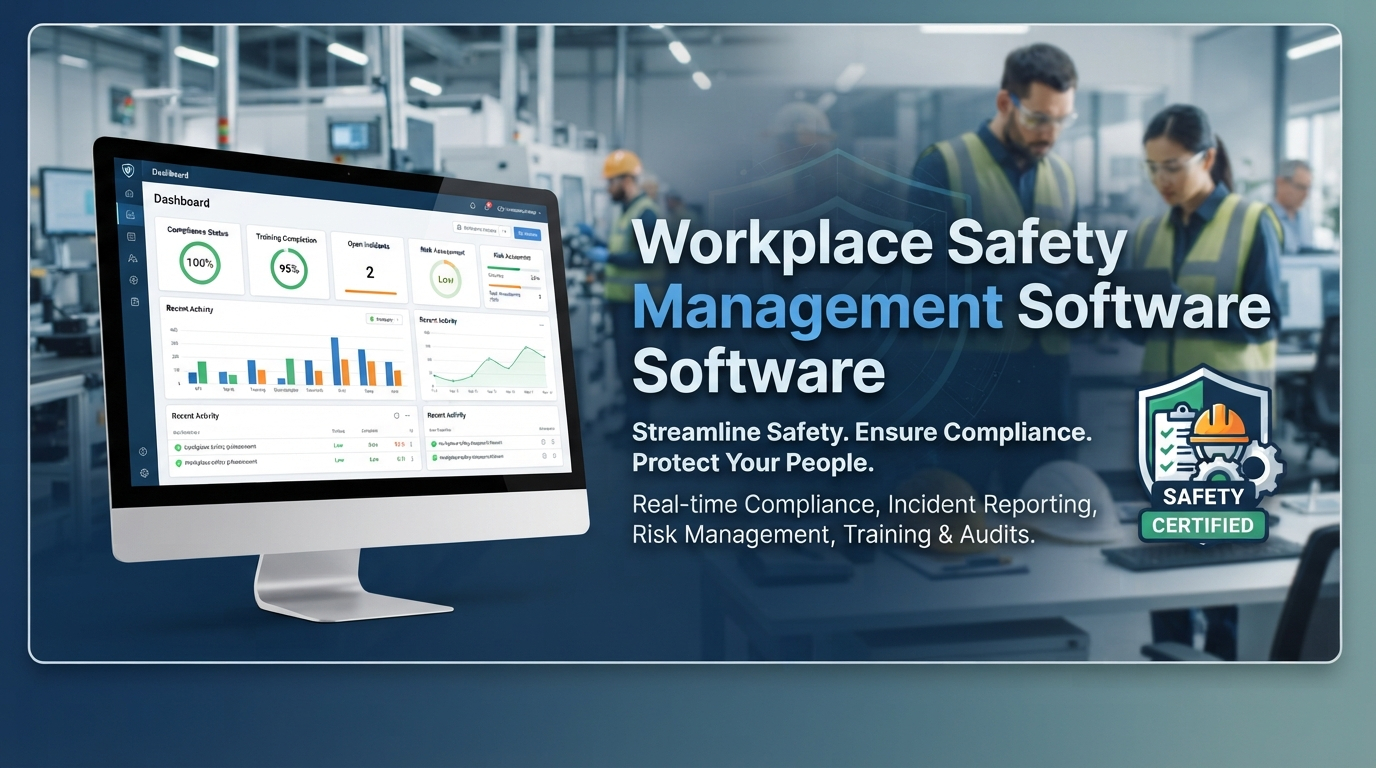

Workplace Safety Management Software can help organisations manage workplace hazards, risks, incidents, inspections, corrective actions, and safety records through one central platform. Many companies still depend on spreadsheets, paper forms, emails, and separate documents for their safety activities. As operations grow, keeping this information organised can become difficult. A digital system gives safety teams a structured way to record issues, assign responsibilities, follow up on actions, and review safety information. For employees and managers, having the right information in one place can make everyday safety processes easier to manage.
What Is Workplace Safety Management Software
Workplace safety management software is a digital solution that helps businesses organise and manage activities related to occupational health and workplace safety.
Instead of handling every safety task separately, organisations can use one system for activities such as:
- Hazard reporting
- Risk assessments
- Incident reporting
- Safety inspections
- Corrective action management
- Employee training records
- Safety documentation
- Compliance tracking
- Audits
- Safety reports
- Emergency response records
The exact features will depend on the software provider. Some platforms focus mainly on workplace safety, while others include environmental management, employee training, compliance management, and other EHS functions.
The main purpose is to give teams a consistent way to record safety information and follow tasks from identification through completion.
Why Digital Safety Management Matters
Safety management includes many activities that need regular attention. Employees may report hazards, supervisors may conduct inspections, and safety managers may investigate incidents or monitor corrective actions.
When all of this is handled manually, information can become scattered.
For example, an inspection finding may be recorded in a spreadsheet while the corrective action is discussed through email. A few weeks later, someone may have to search through both sources to determine whether the issue has been resolved.
Digital safety management brings these activities into a more connected workflow.
When an employee reports a hazard, the safety team can review it, assess the risk, assign an action, and monitor the status from the same platform. This creates a clearer record and reduces the need to rely on separate documents or manual reminders.
Technology does not replace the people responsible for safety. It gives them a more organised way to manage the information and processes they already use.
Workplace Safety Software for Everyday Operations
Workplace safety software can support the day-to-day activities that keep a workplace safe.
Employees may use the system to report hazards or safety concerns, while supervisors can complete inspections and safety managers can review reports.
Common activities include:
- Reporting unsafe conditions
- Recording safety observations
- Conducting inspections
- Reporting incidents
- Assigning corrective actions
- Managing safety documents
- Tracking training
- Reviewing safety performance
A digital platform can also provide standard forms and workflows. This helps ensure that employees provide the information needed to investigate a safety issue properly.
For example, instead of simply reporting that a machine is unsafe, an employee can provide its location, describe the problem, attach a photo if supported, and submit the report to the appropriate team.
Workplace Risk Management
Workplace risk management involves identifying hazards, assessing the risks they create, and determining how those risks should be controlled.
A digital system can help safety teams document risk assessments and keep them updated when workplace conditions change.
A risk assessment may include:
- Hazard identification
- Potential consequences
- Existing controls
- Risk level
- Additional control measures
- Responsible person
- Review date
Consider a warehouse where forklifts operate near pedestrian areas. The organisation can record the risk, document controls such as designated routes and warning signs, and assign responsibility for checking those controls.
Risk assessments should not be treated as permanent documents. When new machinery, materials, processes, or work locations are introduced, the relevant risks may need to be reviewed.
A digital system makes it easier to keep these records accessible and update them when required.
Hazard Management Software
Hazards can be identified during inspections, reported by employees, or discovered during incident investigations.
Hazard management software provides a central location where these issues can be recorded and monitored.
A hazard report may include:
- Date and location
- Hazard description
- Risk category
- Risk level
- Supporting images or documents
- Recommended action
- Responsible employee
- Due date
- Completion status
Once a hazard has been reported, the safety team can decide what action is required and assign responsibility.
This creates a clear trail from the original observation to the action taken to address it.
It also gives managers a way to identify recurring hazards. If employees repeatedly report the same problem, the organisation can investigate whether the underlying cause needs to be addressed.
Incident Management Software
Workplace incidents, injuries, property damage, and near misses should be recorded consistently. Accurate records can help safety teams investigate what happened and determine whether additional controls are required.
Incident management software provides a structured process for reporting and managing these events.
Depending on the platform, an incident record may include:
- Date and time
- Location
- People involved
- Incident type
- Description
- Injury details
- Property damage
- Immediate response
- Investigation findings
- Corrective actions
Near misses are also worth recording. Even when nobody is injured, a near miss can highlight a condition that could lead to a more serious event.
When incident information is stored centrally, safety teams can review previous cases and identify repeated patterns or common contributing factors.
Safety Inspection Software
Regular inspections allow organisations to check workplace conditions and identify problems before they lead to incidents.
Safety inspection software can replace paper-based checklists with digital forms and workflows.
An inspection may cover:
- Fire safety equipment
- Emergency exits
- Machinery
- Electrical equipment
- Personal protective equipment
- Housekeeping
- Safety signage
- Storage areas
If an inspector identifies an issue, the system can create a corrective action and assign it to the appropriate employee or department.
The finding, responsible person, deadline, and completion status can remain connected within the same system.
This makes it easier for safety teams to see which inspection issues have been resolved and which still require attention.
Safety Compliance Software
Organisations often need to maintain records showing that safety requirements and internal procedures are being managed properly.
Safety compliance software can help businesses organise these records and monitor compliance-related activities.
Depending on the platform, teams may be able to track:
- Safety policies
- Regulatory requirements
- Training records
- Inspection schedules
- Audit findings
- Certificates
- Corrective actions
- Compliance deadlines
Software does not automatically make an organisation compliant. Businesses still need to identify the laws, regulations, standards, and internal requirements that apply to their operations.
What a digital system can provide is a more organised way to monitor those responsibilities and maintain supporting records.
Corrective Action Management
Finding a safety problem is only the beginning. The organisation also needs to make sure that someone takes responsibility for resolving it.
Corrective action management allows teams to assign tasks, set deadlines, add supporting information, and monitor progress.
For example, an inspection may identify damaged personal protective equipment. The system can assign the replacement task to a responsible employee and set a completion date.
The safety team can then track whether the action is:
- Open
- In progress
- Completed
- Overdue
- Verified
This provides a clear record of what happened after the original issue was identified.
It can also help managers identify corrective actions that remain open for too long and require additional follow-up.
Employee Training and Safety Records
Employee training is an important part of workplace safety. Depending on their responsibilities, employees may need training related to equipment, emergency procedures, hazardous materials, personal protective equipment, or specific workplace activities.
Safety management software can help organisations maintain these records in one location.
Managers may be able to review:
- Completed training
- Pending courses
- Certification expiry dates
- Refresher training requirements
- Individual training history
If a certificate is approaching its expiry date, the responsible team can take action before the employee needs the certification again.
This can be more manageable than maintaining separate spreadsheets for different departments.
Using Safety Data to Identify Trends
A digital safety system can collect information over time, allowing organisations to review safety trends.
Managers can monitor information such as:
- Number of incidents
- Near misses
- Reported hazards
- Inspection findings
- Open corrective actions
- Training completion
- High-risk activities
- Compliance tasks
Suppose a business notices that similar hazards are repeatedly reported in the same work area. The safety team can investigate the situation and determine whether existing controls are sufficient.
Safety data should not be viewed on its own. Employee feedback, workplace observations, investigations, and professional judgement remain important when deciding what action should be taken.
Choosing the Right Workplace Safety Management Software
Every organisation has different safety requirements. Before selecting a platform, businesses should consider how the software will fit their existing processes.
You can review areas such as:
- Hazard reporting
- Risk assessments
- Incident management
- Safety inspections
- Corrective action management
- Compliance tracking
- Employee training
- Reports and dashboards
- Mobile access
- User permissions
- Document management
- Data security
- System integrations
- Scalability
- Technical support
Ease of use should also be considered. If employees find it difficult to report a hazard or incident, they may be less likely to use the system consistently.
It can be helpful to involve the employees who will actually use the software during the selection process. Safety managers, supervisors, workers, and management may all have different requirements.
How Safety Management Software Connects the Process
A connected safety workflow can bring several activities together.
A typical process may look like this:
- An employee reports a hazard or incident.
- The information is recorded in the system.
- The safety team reviews the report.
- The risk is assessed where required.
- Corrective actions are assigned.
- Responsible employees complete the required actions.
- The safety team verifies the results.
- Management reviews relevant reports and trends.
This gives everyone involved a clearer view of what has been reported, who is responsible, and which actions are still pending.
It also reduces the need to manually search through different files when someone needs information about a previous safety issue.
Final Thoughts
Workplace Safety Management Software can provide organisations with a central way to manage workplace hazards, risks, incidents, inspections, corrective actions, training, and compliance activities.
Moving from paper forms and scattered spreadsheets to a digital platform can make safety information easier to record, access, and monitor. It can also give managers better visibility into recurring hazards and outstanding safety actions.
The right software should be selected according to the organisation's actual needs rather than simply the number of features it offers. Businesses should consider whether employees can use the platform easily, whether safety teams can track actions effectively, and whether managers can access useful information for their decisions.
Technology cannot replace safety procedures, employee participation, or the judgement of qualified safety professionals. It can, however, provide a practical foundation for organising safety information and connecting different parts of the safety process.
When clear procedures, employee involvement, and suitable technology work together, organisations can maintain a more consistent approach to workplace safety management and compliance.