


How Odoo Customization Helps Businesses Improve ERP Efficiency
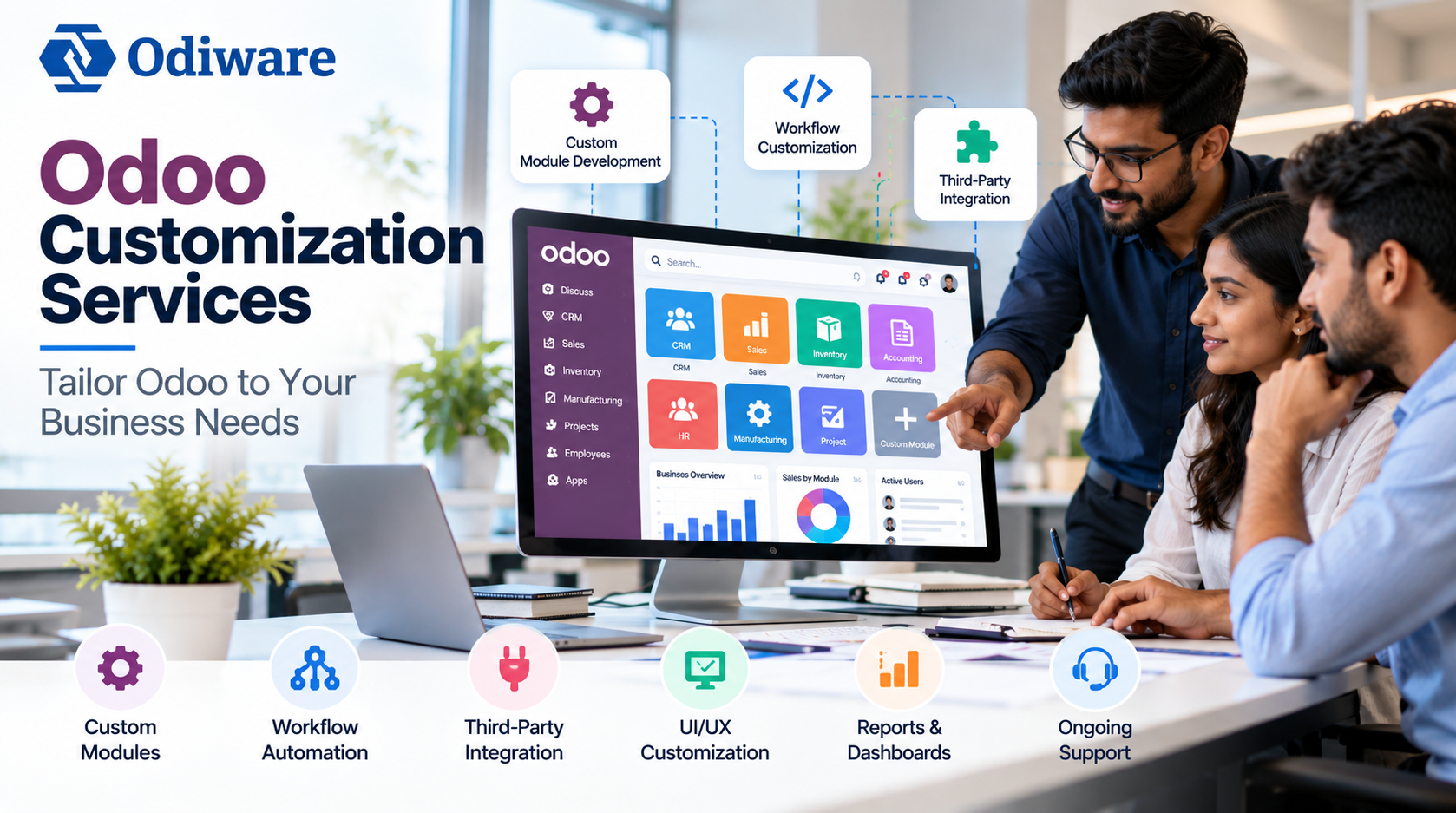
Businesses rarely operate in exactly the same way. Even companies within the same industry can have different workflows, approval processes, reporting requirements, and customer management needs.
Odoo provides a flexible ERP platform with applications for CRM, sales, accounting, inventory, manufacturing, human resources, projects, and more. However, standard functionality may not always cover every requirement of a growing business.
This is where Odoo customization can make a difference.
What Is Odoo Customization?
Odoo customization involves extending or modifying the ERP platform to support specific business requirements. Depending on the situation, customization can include custom modules, additional fields, workflow automation, reports, dashboards, user interface changes, and integrations with external applications.
The objective is not to customize every part of Odoo. Instead, businesses should identify genuine gaps and extend the platform only where additional functionality provides measurable value.
Why Do Businesses Customize Odoo?
Standard Odoo features can handle many common business processes, but organizations often have workflows that are unique to their operations.
Common reasons for customization include:
• Industry-specific workflows
• Custom approval processes
• Additional customer or product information
• Specialized business reports
• Automated repetitive tasks
• Custom dashboards
• Third-party integrations
• Role-specific user interfaces
• Unique sales or inventory processes
For example, a company may need a multi-level approval workflow for purchases, a specialized sales dashboard, or an automated process connecting sales with inventory and accounting.
Common Odoo Customization Areas
Custom Module Development
When an existing Odoo application does not provide the required functionality, a custom module can be developed. Custom modules allow businesses to introduce new capabilities while keeping them connected with the wider Odoo ecosystem.
Workflow Customization
Different organizations can have different approval and operational processes. Odoo workflows can be customized for purchase approvals, sales approvals, employee requests, expense validation, order processing, and inventory operations.
Workflow automation can reduce repetitive manual work and make responsibilities easier to track.
Custom Fields and Forms
Businesses may require information that is not available in standard Odoo forms. Custom fields can be added to CRM, sales, inventory, accounting, HR, purchase, and other applications.
Forms can also be reorganized to make important information easier for employees to access.
Reports and Dashboards
Management teams often need reports that present business information in a specific format.
Customized dashboards can combine metrics such as sales performance, inventory levels, customer activity, outstanding payments, and order status.
This can make business information easier to understand and support faster decision-making.
Third-Party Integrations
Modern businesses often use multiple software platforms alongside their ERP.
Depending on business requirements, Odoo can be integrated with eCommerce platforms, payment gateways, shipping systems, marketing tools, external applications, and APIs.
Integrations can reduce duplicate data entry and improve the flow of information between different systems.
Benefits of Odoo Customization
A well-planned customization project can provide several practical benefits.
Better Process Alignment
Odoo can be adapted to existing business workflows instead of forcing employees to work around unsuitable processes.
Improved Productivity
Automating repetitive activities can reduce manual work and allow employees to focus on more important tasks.
Better Data Visibility
Custom reports and dashboards can provide teams with information that is relevant to their responsibilities.
Improved User Experience
Employees can work with interfaces and fields that are relevant to their specific roles.
Greater Flexibility
As business requirements change, customized functionality can be extended to support new processes.
Better Integration
Connecting Odoo with other applications can reduce data duplication and create a more connected business environment.
Odoo Configuration vs Customization
Businesses should understand the difference between configuration and customization before starting development.
Configuration involves using functionality that already exists within Odoo. This may include setting permissions, activating features, adjusting settings, or configuring standard workflows.
Customization goes beyond standard configuration. It can involve developing custom modules, modifying existing functionality, creating specialized reports, or integrating external systems.
Businesses should first determine whether a requirement can be solved through standard Odoo functionality. Custom development should be considered when the standard options cannot provide a practical solution.
How Does an Odoo Customization Project Work?
A structured process can help businesses avoid unnecessary development.
Requirement Analysis
The first step is understanding the business process, identifying its limitations, and defining the desired outcome.
Gap Analysis
Business requirements are compared with existing Odoo capabilities to determine whether configuration, customization, or integration is the right approach.
Solution Planning
The required modules, workflows, reports, integrations, and user requirements are defined before development begins.
Development and Testing
The approved functionality is developed and tested using realistic business scenarios. Testing helps identify workflow issues, permission problems, and integration errors before deployment.
Deployment and Maintenance
After approval, the customized functionality can be deployed. Ongoing maintenance may be required as business requirements and Odoo versions evolve.
How to Choose an Odoo Customization Partner
Choosing the right development partner is important because customization can affect the long-term maintainability of an ERP system.
Businesses should evaluate a provider's experience with Odoo development, custom modules, integrations, workflow design, testing, documentation, upgrades, and technical support.
A good Odoo development partner should understand the underlying business problem before recommending a technical solution.
For businesses that need to extend their ERP beyond standard functionality, professional Odoo customization services can help build solutions around specific operational requirements.
Final Thoughts
Odoo customization can help businesses create an ERP environment that better matches their workflows, reporting requirements, integrations, and operational processes.
However, customization should be approached strategically. Businesses should first evaluate standard Odoo functionality, identify genuine gaps, and customize only those areas where development provides clear business value.
With proper planning, testing, and maintenance, Odoo can become a flexible ERP platform that supports the way a business operates and grows.
Categories
- Artificial Intelligence (AI)
- Technology
- Business
- Education
- Science
- Lifestyle
- Healthcare
- Entertainment
- Politics
- Environment
- Travel
- Finance
- Automobile
- News
- Art
- Causes
- Crafts
- career
- Dance
- Drinks
- Film
- Fitness
- Food
- Games
- Gardening
- Health
- Home
- Literature
- Music
- Networking
- Other
- Party
- Religion
- Shopping
- Sports
- Theater
- Wellness
Read More
The Japan Empty Capsule Market is witnessing steady growth as the country's pharmaceutical, nutraceutical, and healthcare industries continue to expand. Empty capsules serve as an essential dosage form for encapsulating medicines, dietary supplements, herbal products, and functional ingredients. With Japan's aging population, increasing demand for personalized medicine, rising consumption of...

The Tattoo Removal Market is witnessing growing demand as consumers increasingly seek effective and advanced solutions for removing unwanted tattoos. Tattoo removal procedures have evolved significantly with the introduction of laser-based technologies that offer improved precision, safety, and treatment outcomes. The growing popularity of tattoos worldwide has also contributed to the...
According to Market Research Future®, the Decorative Laminates Market Outlook indicates sustained growth through 2035, supported by expanding construction activities, increasing home renovation projects, and rising demand for premium interior finishing materials. Technological advancements in decorative printing, surface engineering, and environmentally friendly manufacturing continue...

Automotive Gas Shock Absorbers Market is driven by the increasing production of electric, hybrid, and conventional vehicles worldwide. Manufacturers are introducing innovative products that enhance suspension performance while reducing maintenance requirements. These developments are supporting consistent market expansion. The global Automotive Gas Shock Absorbers Market size is...
The semi trailer market is witnessing steady expansion driven by increasing demand for efficient freight transportation, growth in logistics and e-commerce activities, and rising international trade volumes. Semi trailers play a critical role in long-haul transportation by enabling large-scale cargo movement across road networks. According to the report by The Insight...
