

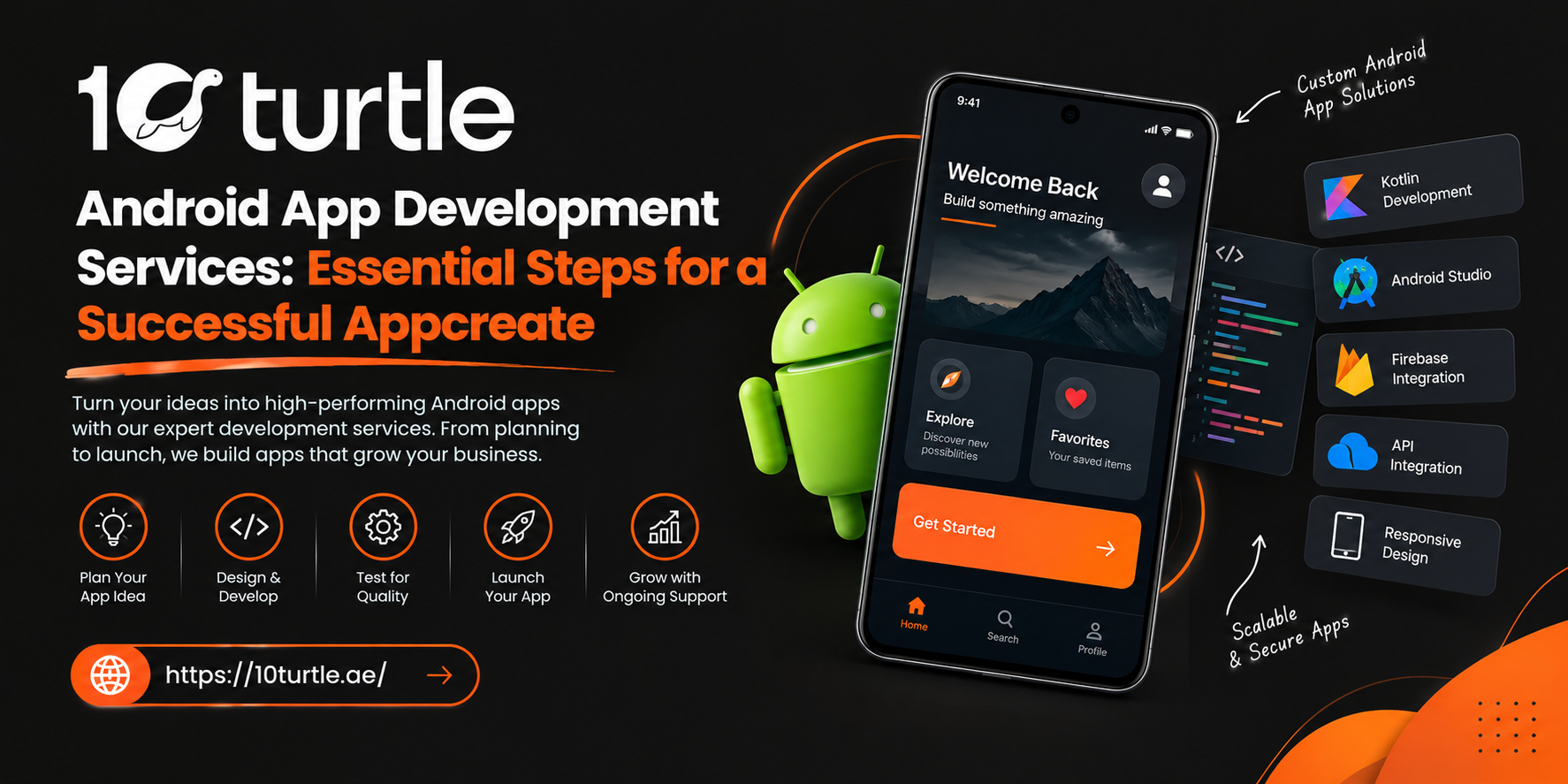

Android powers a huge share of the smartphones used around the world, which makes it a natural platform for businesses that want to reach customers where they already spend their time. In the UAE, where residents use a wide mix of devices and expect fast, polished digital experiences, a well-built Android app can become a real growth channel rather than just another icon on a screen.
But a successful app rarely happens by accident. Professional Android app development services follow a clear sequence of steps, each one reducing risk and improving the final product. This guide walks through those steps so you know what to expect, what to ask for, and where projects commonly go wrong.
Why Android Deserves a Place in Your Digital Strategy
Before getting into the process, it helps to understand why so many companies choose Android first or alongside iOS.
Wide Device Reach
Android runs across phones, tablets, wearables, TVs, and in-car systems from many manufacturers. That variety lets a single product reach different customer segments, price points, and use cases.
Flexibility for Custom Features
The platform gives developers room to build deep integrations, such as payment gateways, location services, background tasks, and connections to business systems. This suits companies that need an app shaped around their own workflows, not a generic template.
Strong Fit for Growing Businesses
Whether you run a retail brand, a logistics operation, a service marketplace, or an internal team that needs a field tool, an Android app can improve customer engagement, speed up operations, and give you direct access to useful behavior data.
Step 1: Define the Goal Before the Features
The strongest projects begin with a business question, not a feature list. What should the app achieve? Increase repeat orders? Reduce support calls? Digitize a manual process?
A good development partner will run a discovery session covering:
- Your target audience and how they use mobile devices
- The core problem the app solves
- Competitor apps and what users like or dislike about them
- Success measures such as retention, conversion, or task completion time
Clear goals make every later decision easier, from design to budget.
Step 2: Research and Plan the Scope
Once the goal is clear, the team translates it into a practical plan. This stage usually produces a requirements document, a prioritized feature list, a technology recommendation, and a rough timeline.
Start With an MVP
Many successful apps launch as a minimum viable product, which includes only the features needed to deliver core value. You can then expand based on real user feedback instead of guessing. This approach keeps early costs controlled and shortens the time to market.
Step 3: Design the User Experience
Design is where an app starts to feel real. Good Android design respects platform conventions while still expressing your brand.
Wireframes and Prototypes
Wireframes map out screens and navigation. Interactive prototypes let stakeholders click through the experience before any code is written, which is much cheaper than changing direction mid-development.
Interfaces Built for Real Users
Strong UI/UX work considers thumb reach, readable typography, accessible colors, and support for different screen sizes. For UAE audiences, it also means thinking about bilingual needs. Planning for Arabic and English, including right-to-left layouts, early on avoids expensive rework later.
Step 4: Choose the Right Technology
Technology choices affect speed, maintenance, and long-term flexibility.
Kotlin vs Java for Android App Development
Kotlin is now the preferred language for modern Android development because it is concise, safer with null values, and fully supported by Google's tooling. Java remains common in older codebases and still works well for maintaining existing apps. For new projects, most teams choose Kotlin, often paired with Jetpack Compose for building interfaces.
Backend, APIs, and Integrations
Most apps need a backend to manage users, data, and business logic. Your team should also plan integrations early, such as payment providers, CRM or ERP systems, maps, analytics, and push notifications.
Step 5: Develop in Agile Iterations
Rather than building everything and revealing it at the end, experienced teams work in short sprints. Each sprint produces a working piece of the app that you can review.
Benefits of this approach include:
- Earlier visibility into progress
- Easier course corrections
- Fewer surprises at launch
- Better alignment between business and technical teams
Regular demos and clear communication keep everyone on the same page.
Step 6: Test Thoroughly Across Devices
Because Android runs on so many devices, quality assurance is not optional. Testing should cover:
- Functional testing to confirm every feature works as intended
- Compatibility testing across screen sizes, Android versions, and manufacturers
- Performance testing for load speed, battery use, and behavior on weaker networks
- Security testing for data storage, authentication, and API protection
- User acceptance testing with real people from your target audience
Catching issues before launch protects both your reputation and your Google Play ratings.
Step 7: Prepare for Launch on Google Play
Publishing involves more than uploading a file. Your team will prepare the store listing, screenshots, description, privacy policy, content rating, and app signing. Following Google Play's policies and data-safety requirements helps avoid rejections or delays.
Pairing the release with a modest marketing plan, such as announcements to your existing customers, social campaigns, or app store optimization, gives the app momentum from day one.
Step 8: Maintain, Monitor, and Improve
Launch is a milestone, not the finish line. Android versions change, devices evolve, and user expectations rise. Reliable app development services include ongoing support such as:
- Bug fixes and performance tuning
- Security patches and OS compatibility updates
- Feature improvements based on analytics and feedback
- Monitoring crashes and user behavior
Treating the app as a living product is one of the biggest differences between apps that fade and apps that grow.
How to Choose an Android App Development Company in Dubai
The right partner shapes the outcome as much as the idea itself. When comparing providers, look for:
- Relevant portfolio: Apps similar in complexity or industry to yours
- Transparent process: Clear stages, milestones, and communication habits
- Design and engineering together: Not just coders, but UX thinking as well
- Security awareness: Especially if you handle payments or personal data
- Post-launch support: A plan for updates, not just delivery
- Honest estimates: Clear explanations of cost drivers and timelines
Ask for references and request a walkthrough of how they handle testing and change requests. A confident team will welcome those questions.
What Affects Android App Cost and Timeline?
There is no single price for an Android app because projects differ widely. The main factors are:
- Complexity and number of features
- Custom design and animation requirements
- Backend and third-party integrations
- Number of devices and OS versions supported
- Security and compliance needs
- Scope of post-launch maintenance
A detailed discovery phase is the most reliable way to get an accurate estimate, rather than relying on generic figures.
Common Mistakes to Avoid
- Building too many features at launch
- Skipping user research and prototypes
- Ignoring performance on lower-end devices
- Treating security as an afterthought
- Having no plan for updates after release
Avoiding these pitfalls often saves more money than any discount on development.
Build Your Android App With 10Turtle
At 10Turtle, we help businesses turn app ideas into dependable products, guiding each stage from strategy and design to development, testing, and long-term support. If you are planning an Android app and want a clear roadmap before you commit, talk to our team and explore how the right process can help your app succeed.
Frequently Asked Questions
What are the main stages of Android app development?
The typical stages are discovery and planning, UI/UX design, development, testing, launch on Google Play, and ongoing maintenance.
How long does it take to develop an Android app?
Timelines depend on complexity. A focused MVP can be completed much sooner than an app with custom integrations, complex logic, or multiple user roles. Your development partner can give a realistic range after reviewing requirements.
How much do Android app development services cost?
Cost depends on features, design depth, integrations, security needs, and support requirements. A discovery workshop is the best way to get a reliable estimate.
Should I build for Android or iOS first?
It depends on your audience. Review your customer device data and market goals. Many businesses start with one platform and expand, while others use cross-platform tools to cover both.
Do I need an app maintenance plan after launch?
Yes. Regular updates keep the app secure, compatible with new Android versions, and aligned with user needs.
Can an Android app integrate with my existing systems?
In most cases, yes. Apps can connect with CRMs, ERPs, payment gateways, and other tools through APIs.

