



Checking your bank transactions regularly helps you manage your money and identify unfamiliar payments. If you have a Canara Bank account, you can access your recent transactions through a mini statement or download a full account statement for a specific period.
A Canara Bank mini statement provides a quick overview of recent transactions, while a full statement includes more detailed account activity over a selected date range. Both options are useful for tracking deposits, withdrawals, transfers, and other financial transactions.
In this guide, we explain how to get your Canara Bank mini statement and full statement using different banking methods.
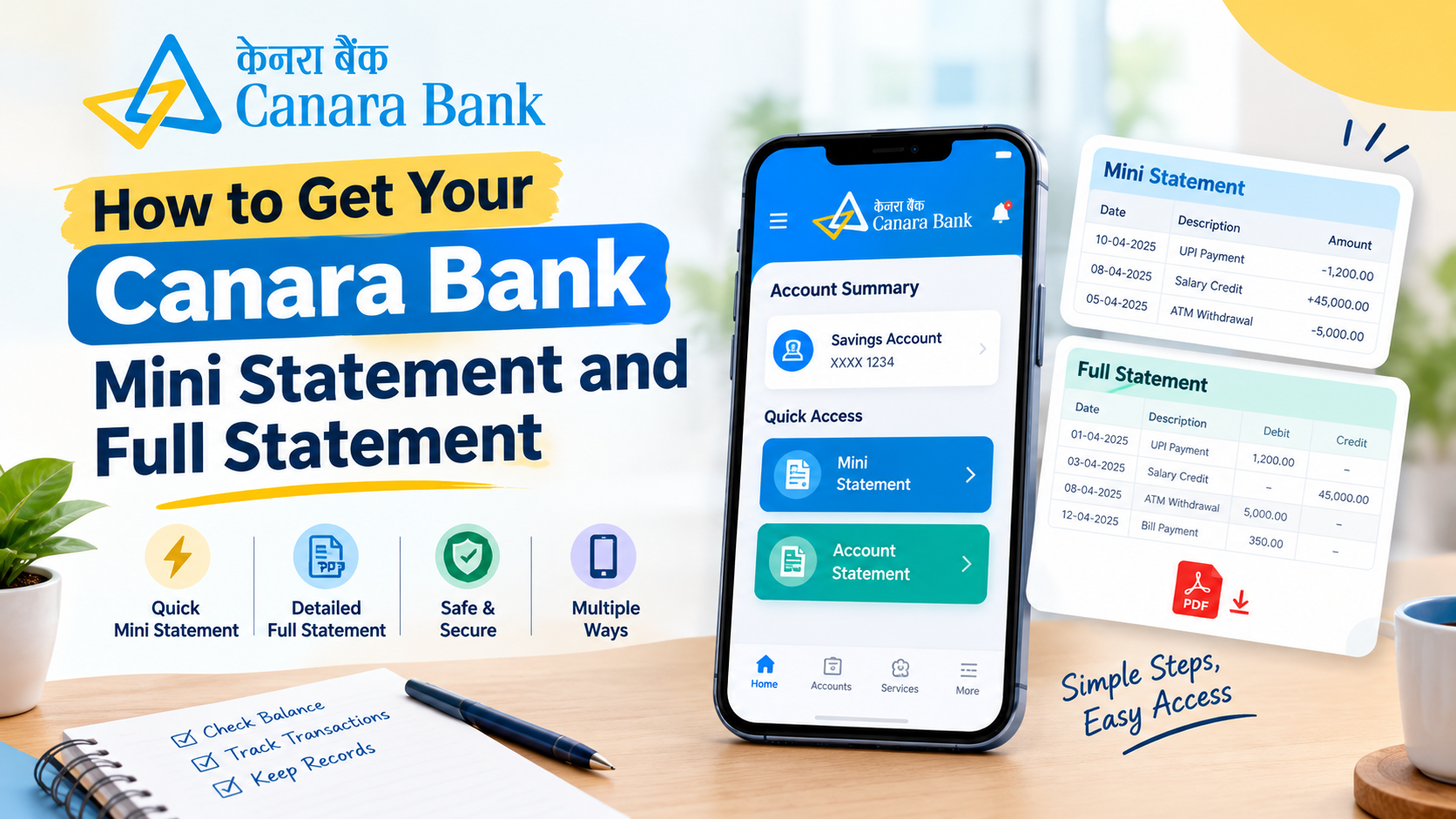
What Is a Canara Bank Mini Statement?
A mini statement is a short record of recent transactions in your bank account. It generally shows recent debits and credits, helping you check your account activity without reviewing a complete statement.
You can use a mini statement to confirm a recent payment, check a withdrawal, or review money deposited into your account.
A full account statement, on the other hand, provides a detailed record of transactions over a selected period. It may be useful for budgeting, financial recordkeeping, and loan applications.
1. Get Your Canara Bank Mini Statement Through the Mobile App
Canara Bank's official Canara ai1 mobile banking app allows eligible customers to access account information and transaction details.
Follow these steps:
-
Download the official Canara ai1 app from your phone's app store.
-
Complete registration or log in using your authorised credentials.
-
Select your bank account.
-
Open the account details or e-Passbook section.
-
Review your recent transactions.
The available options may vary depending on your app version and account. Use the official app instructions if you need a specific mini statement feature.
2. Check Your Mini Statement Through an ATM
You may be able to access your Canara Bank mini statement through a Canara Bank ATM.
-
Visit a Canara Bank ATM.
-
Insert your debit card.
-
Enter your ATM PIN securely.
-
Select the mini statement option if available.
-
Follow the on-screen instructions.
-
Collect your printed statement and card before leaving.
Never share your ATM PIN with anyone. If the mini statement option is unavailable, use another official banking channel.
3. Get Your Mini Statement Through Missed Call or SMS Services
Banks may offer missed-call or SMS services for certain account information. However, service availability, registration requirements, and instructions can change.
To check whether Canara Bank currently offers a mini statement through these methods, visit the official Canara Bank website or contact verified customer support.
Use only the phone numbers and instructions published by the bank. Avoid sending account details or confidential information to unknown numbers.
4. Download Your Full Canara Bank Statement Through Net Banking
Internet banking is a convenient way to access a detailed account statement and download it in an available digital format.
Follow these steps:
-
Visit the official Canara Bank website.
-
Open the internet banking section.
-
Log in using your registered credentials.
-
Select your account.
-
Open the account statement or transaction history section.
-
Choose the required date range.
-
Generate the statement.
-
Download the PDF if that format is available.
You can save the statement on your device for future reference. Always log out after completing your banking session, especially when using a shared computer.
5. Download Your Full Statement Through the Mobile App
You can also use the official Canara ai1 app or the Canara e-Passbook facility to review your account transactions.
Open the app, log in securely, and select the relevant account. Navigate to the statement or e-Passbook section, select the required date range, and use the available options to view, download, or share your transaction records.
If you need a PDF, check whether the app provides a PDF download option for your selected period.
6. Request a Full Statement at a Bank Branch
If you cannot access digital banking, visit your nearest Canara Bank branch and request a full account statement.
Carry the account information and identification documents required by the bank. Tell the bank representative the period you need.
You can ask for a printed statement and check whether any service charges apply to your request.
Difference Between a Mini Statement and a Full Statement
A mini statement is designed for quickly checking recent transactions. A full statement provides a more detailed transaction history for a selected period.
Choose a mini statement when you want to verify a recent payment or withdrawal. Choose a full statement when you need comprehensive records for budgeting, documentation, or financial verification.
Frequently Asked Questions
1. How can I get my Canara Bank mini statement?
You can check recent transactions through the official mobile banking app or an ATM if the relevant option is available. You can also check the bank's current official instructions for other mini statement services.
2. How can I download my Canara Bank full statement?
Log in to Canara Bank net banking or use the official mobile banking service. Select your account, choose the required date range, and download the statement using the available options.
3. Can I get my Canara Bank statement on my mobile?
Yes. Eligible customers can access account transactions through Canara Bank's official mobile banking services.
4. Can I download my Canara Bank statement as a PDF?
Yes, PDF downloads may be available through supported net banking and mobile banking statement facilities. The options depend on the service and app version.
5. Is it safe to check my mini statement online?
It is generally safe when you use official banking services and protect your login credentials. Never share your OTP, ATM PIN, or password with anyone.
Conclusion
Getting your Canara Bank mini statement or full statement is straightforward when you use the bank's official services. A mini statement helps you check recent transactions quickly, while a full statement provides detailed records for a selected period.
You can explore mobile banking, ATM services, net banking, or a branch visit depending on your requirements. Always use verified banking channels and keep your financial information secure.
For more simple guides about banking, loans, savings, and personal finance, visit Money Moksh.