

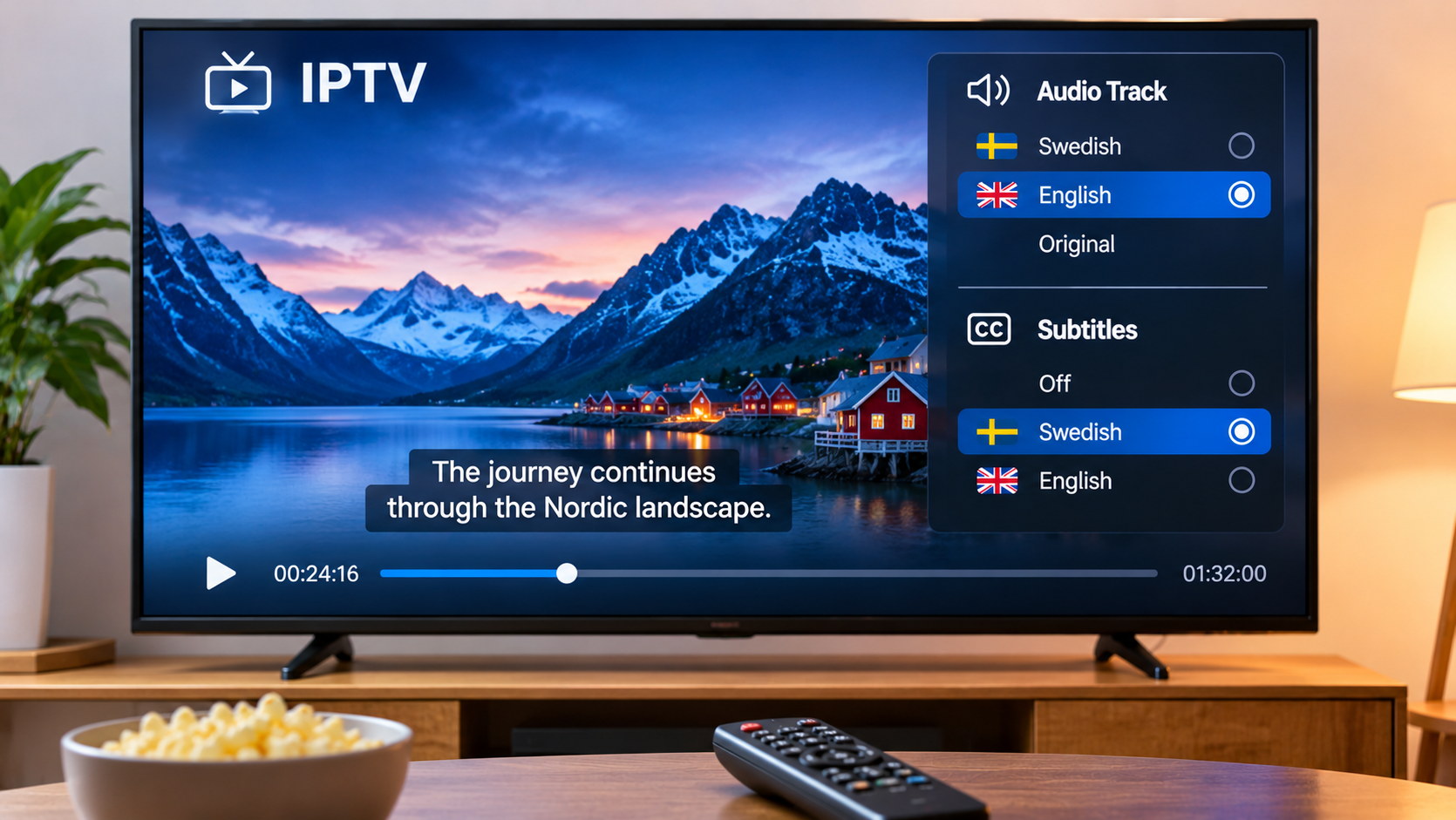

Subtitles and alternate audio tracks are small features that can make a big difference when watching IPTV. They are useful for foreign-language films, international sports coverage, documentaries, family viewing, and anyone who simply prefers reading dialogue while watching.
For viewers in Sweden, these options can be especially practical because IPTV libraries often include content from several countries and in different languages.
Why Subtitles Matter
Subtitles are not only for people watching content in a language they do not understand.
They can also help when:
-
Dialogue is difficult to hear
-
The room is noisy
-
Someone is watching late at night
-
A program includes several spoken languages
-
Viewers want to follow names, places, or technical terms more easily
Some people even keep subtitles enabled all the time because they find it easier to follow fast dialogue.
Not Every Stream Includes Subtitles
One important thing to understand is that subtitle availability depends on the stream or media source.
An IPTV player cannot create subtitle tracks that are not already available.
A film may include Swedish, English, or several other subtitle options, while another stream may have none at all.
That is why two channels inside the same IPTV app can behave differently.
How Subtitle Selection Usually Works
The exact menu depends on the IPTV player, but subtitle controls are often found inside the playback screen.
Users may see options such as:
-
Subtitles
-
CC
-
Language
-
Audio and subtitles
-
Track selection
Once the menu is open, the viewer can choose from the available tracks.
If nothing appears, it may simply mean that the stream does not include subtitle data.
Audio Tracks Can Be Just as Useful
Some channels and on-demand content include more than one audio option.
This may allow viewers to switch between languages or commentary tracks without changing the stream itself.
For example, international sports broadcasts may sometimes offer different commentary languages, while films can include both original audio and dubbed versions.
The available choices depend entirely on how the content is supplied.
Check the IPTV Player
Different IPTV apps handle subtitles in different ways.
A good player should make it easy to open the subtitle menu without interrupting playback.
Some players also allow users to change:
-
Subtitle size
-
Text position
-
Font style
-
Background
-
Delay or timing
These options can improve readability, especially on larger televisions.
Subtitle Timing Problems
Occasionally, subtitles appear too early or too late.
This can happen because the subtitle track and video are not perfectly synchronized.
Some IPTV players include a subtitle delay option that lets users move the text slightly forward or backward.
If the player offers this feature, small adjustments can often make the subtitles line up better with the dialogue.
External Subtitles
Certain IPTV players and media apps may support external subtitle files.
Common subtitle formats include SRT and VTT.
This can be useful when watching movies or series that do not already include the preferred language.
However, external subtitle support varies widely between applications, so users should check the player's capabilities before relying on it.
Subtitles on Smart TV
Using subtitles directly on a Smart TV can be straightforward when the IPTV player supports them properly.
The main challenge is usually navigation.
Because Smart TV apps are controlled with a remote rather than a touchscreen, a well-designed player should make subtitle selection easy to reach.
If the subtitle menu takes too many steps, it can become frustrating during regular use.
Subtitles on Android TV and Streaming Boxes
Android TV devices often provide more flexibility because there are many IPTV players available.
Some focus on simple live TV viewing, while others provide more detailed playback controls.
Users comparing apps should look at subtitle and audio support alongside familiar features such as:
-
Favorites
-
EPG
-
Search
-
Channel groups
-
Playlist management
The best player is usually the one that matches the way the household actually watches content.
Consider Language Options When Comparing IPTV Services
When researching IPTV, users often focus on channel counts or device support and forget about language features.
For households that regularly watch international content, subtitle and audio availability can matter just as much.
People comparing IPTV subscriptions and viewing options in Sweden can include Bästa IPTV as part of their research into device compatibility, content access, and available streaming features.
It is still important to remember that subtitle availability can vary from one channel or title to another.
What to Do When Subtitles Do Not Appear
If subtitles are expected but are missing, try a few simple checks.
First, open the subtitle menu and make sure the correct track is selected.
If no track appears, try another movie or channel. This helps determine whether the issue affects the player or only one stream.
It can also help to:
-
Restart the IPTV app
-
Update the player
-
Reload the playlist
-
Test the same content on another device
-
Check whether the stream actually includes subtitles
Testing one thing at a time usually makes the problem easier to identify.
Do Not Confuse TV Subtitles With IPTV Subtitles
Some televisions have their own subtitle or closed-caption settings.
These controls may work with traditional broadcasts but not necessarily with content inside an IPTV app.
In many cases, subtitle selection has to be done inside the player itself.
This is an important distinction because changing the television's subtitle setting may have no effect on IPTV playback.
Final Thoughts
Subtitles and alternate audio tracks may seem like secondary features, but they can significantly improve IPTV viewing.
They make foreign-language content easier to follow, help in noisy environments, and provide more flexibility for households that watch programming from different countries.
Before choosing an IPTV player, it is worth checking how well it handles subtitle selection, audio tracks, timing adjustments, and external subtitle files. A player that makes these controls easy to use can make everyday viewing much more comfortable.