

Ledger Live Login: A Complete Guide to Accessing and Managing Your Wallet Securely

Introduction
Managing digital assets requires reliable tools, careful security practices, and a straightforward way to access wallet information. Ledger Live is an application designed to help users manage supported digital assets through compatible Ledger hardware wallets. The Ledger Live Login process allows users to open the application, connect their device, and explore available account management features.
Whether someone is new to hardware wallets or already familiar with Ledger products, understanding the login process can make everyday wallet management easier. This guide explains how to access Ledger Live, configure the application, understand its features, and follow important security recommendations.
What Is Ledger Live?
Ledger Live is a wallet management application developed for users of Ledger hardware wallets. It provides an interface for viewing supported accounts, checking portfolio information, reviewing transaction history, and accessing available asset management services.
The application works with compatible Ledger devices, which are designed to keep private keys protected within dedicated hardware. Instead of relying entirely on an online account, users authorize supported transactions through their physical device.
Ledger Live is available for supported desktop and mobile platforms. Its interface helps users organize their accounts and monitor their digital assets from a single application.
How to Get Started With Ledger Live Login
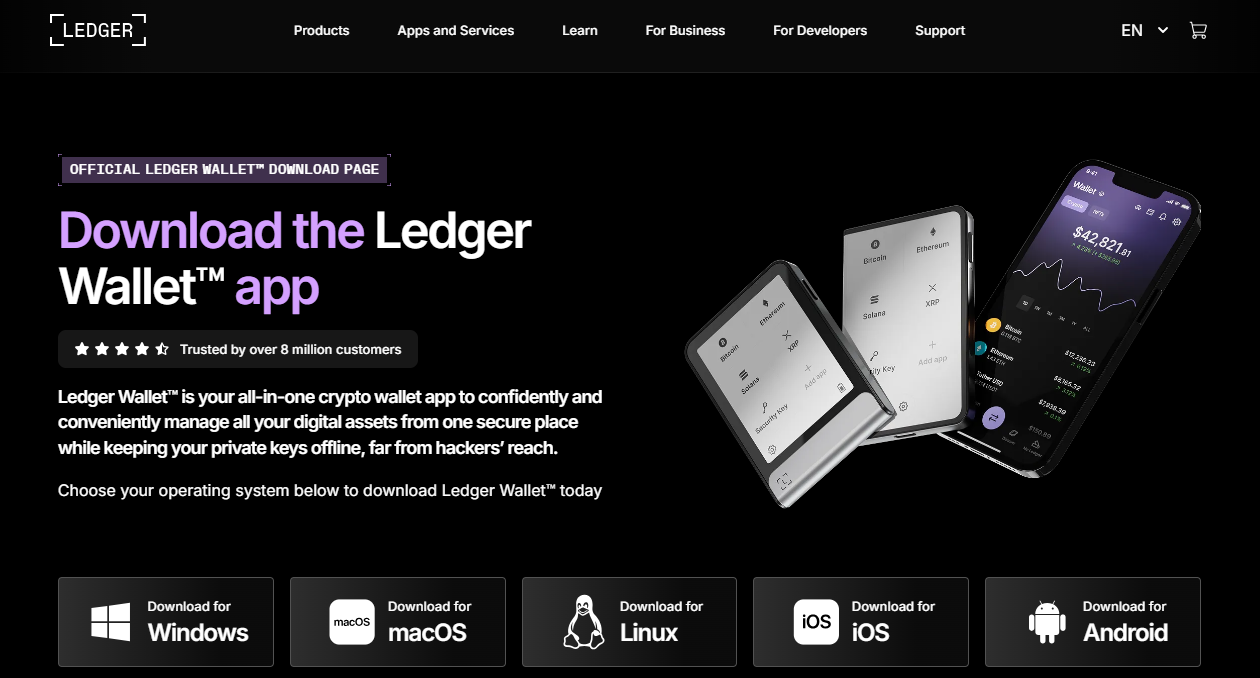
Getting started with Ledger Live involves downloading the genuine application and completing the initial configuration. Users should always visit the official Ledger website and verify the download source before installing anything.
Follow these general steps:
-
Visit the official Ledger website.
-
Navigate to the Ledger Live application section.
-
Download the version compatible with your operating system.
-
Install the application on your computer or mobile device.
-
Open Ledger Live and follow the setup instructions.
-
Connect your compatible Ledger hardware wallet when requested.
-
Follow the on-screen device instructions to access supported account features.
The application may ask users to complete device verification or configuration steps. Carefully review each instruction before continuing.
Understanding the Login Process
Ledger Live does not operate like a traditional online banking website that requires users to enter an email address and password for every login. Access to wallet management features generally involves opening the application and connecting or unlocking a compatible Ledger hardware device.
Depending on the device and application configuration, users may need to enter their PIN directly on the hardware wallet. This provides an additional layer of protection against unauthorized physical access.
It is important to understand that Ledger Live cannot replace the security responsibilities of the device owner. Users should protect their hardware wallet, keep their PIN confidential, and never disclose their recovery phrase.
Important Features of Ledger Live
Ledger Live offers several features that help users manage their supported digital assets.
1. Portfolio Overview
The portfolio section provides an overview of supported assets and their displayed values. Users can review account balances and monitor changes through the application's interface.
2. Account Management
Users can add and organize supported accounts. This makes it easier to separate different assets and review account-specific information.
3. Transaction History
The application provides transaction information for supported accounts. Reviewing previous activity can help users understand account movements and maintain organized records.
4. Asset Management
Ledger Live supports management features for compatible assets. Available functions depend on the asset, device, application version, and supported network.
5. Application Updates
Keeping Ledger Live updated helps users access the latest supported features, improvements, and security-related changes.
How to Keep Your Ledger Live Login Secure
Security should remain a priority whenever accessing a digital asset wallet. Users should follow several important practices to protect their accounts and devices.
First, download Ledger Live exclusively from the official Ledger website. Avoid advertisements, unofficial download pages, and unknown third-party installation files.
Second, never share your 24-word recovery phrase with anyone. Ledger support representatives will never need your recovery phrase to troubleshoot an ordinary application issue.
Third, carefully review transaction details on your hardware wallet screen before approving a transaction. Confirm the recipient address and amount before signing.
Fourth, use a strong device PIN and keep your hardware wallet in a secure location. Do not leave your device unattended in public places.
Finally, remain cautious of unexpected messages, fake support accounts, and websites claiming to offer account verification or emergency wallet recovery.
Common Ledger Live Login Problems and Solutions
Sometimes users experience difficulties when opening Ledger Live or connecting their hardware wallet. Several basic troubleshooting steps may help.
Application Not Opening: Check whether your operating system supports the installed version. Restart your device and install the latest application from the official source if necessary.
Device Not Recognized: Check the USB connection, try another compatible cable or port, and ensure the device is unlocked.
Connection Issues: Close unnecessary applications that might interfere with device communication. Restart Ledger Live and reconnect your hardware wallet.
Application Update Problems: Confirm that your internet connection is working and that your device has sufficient available storage.
Incorrect PIN: Follow the hardware wallet's official instructions. Avoid repeatedly guessing PIN combinations, as repeated incorrect entries can trigger a device reset.
If problems continue, consult official Ledger support documentation.
Why Keeping Ledger Live Updated Matters
Software updates are important for maintaining compatibility and improving the overall application experience. Updated versions may include interface improvements, additional supported features, performance changes, and security enhancements.
Users should check for updates through the application or official Ledger resources. Avoid downloading update files from unknown websites or following unsolicited instructions from people claiming to represent technical support.
Before making changes, ensure that important recovery information is stored securely and remains accessible only to its owner.
Benefits of Using Ledger Live
Ledger Live brings several wallet management functions together in one interface. Users can review supported accounts, monitor portfolio information, check transaction records, and access compatible services.
Its integration with Ledger hardware wallets provides a device-based approach to transaction authorization. This arrangement helps users maintain greater control over their private keys while using an application to view and manage supported assets.
The interface is also designed to make important wallet information easier to understand, making it a useful option for beginners and experienced hardware wallet owners.
Conclusion
Ledger Live Login is an important part of accessing and managing supported accounts through the Ledger ecosystem. By installing the genuine application, connecting a compatible hardware wallet, and following the recommended setup instructions, users can explore its account management features with confidence.
However, convenience should always be supported by responsible security practices. Protecting the recovery phrase, checking transaction information, updating the application, and avoiding suspicious websites are essential habits.
For the most reliable experience, use official Ledger resources and remember that your recovery phrase and private security information should never be shared with anyone. With careful preparation, Ledger Live can provide an organized way to monitor and manage supported digital assets.