

How can you tell whether a free online calculator is giving you a number you can actually trust?

Most of us use online calculators without thinking twice. Type in a loan amount, hit the button, take the answer. And most of the time that's fine. But every so often a result looks off, or two sites give you two different answers, and you're left wondering which one to believe.
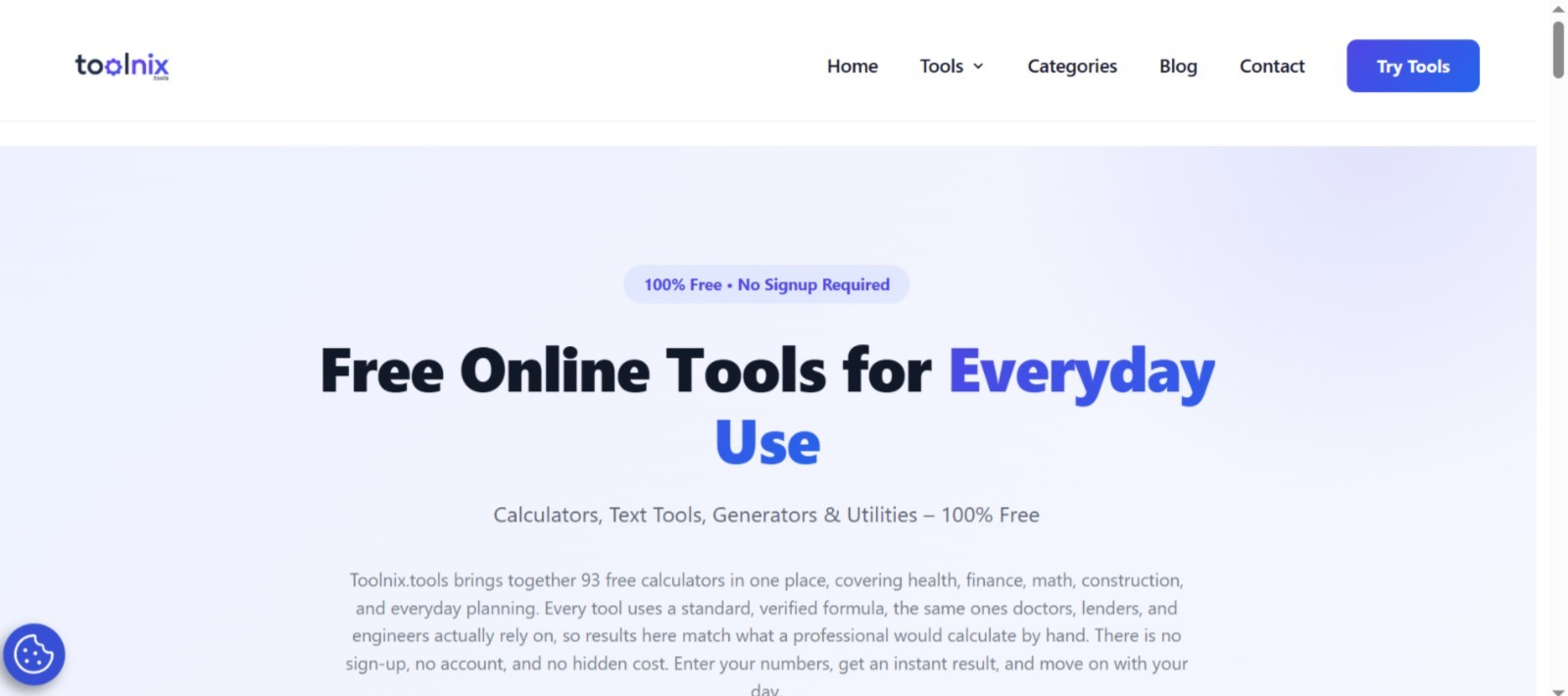
Here's a practical way to check any calculator, plus a look at how Toolnix handles it, since it's a free tool site worth knowing about if you do this kind of quick maths often.
Check 1: Does it use a standard formula?
A reliable calculator uses a recognised formula, not a rough shortcut. For finance, that means standard amortisation maths. For health, it means methods used by health bodies. For construction, real material figures.
The site says its tools follow standard formulas of this kind, with health tools built on WHO and CDC-recognised methods and finance tools using the same compound interest and amortisation maths lenders use. That's the right claim to make, and it's one you can test yourself, which brings us to the next check.
Check 2: Try a number you can verify by hand
Don't just trust the result. Feed in a simple example where you already know the answer.
Percentages. What's 15% of 240? It's 36. Now try something sneakier: a price rises from 80 to 100, that's a 25% increase. But if it then drops from 100 back to 80, that's only a 20% decrease. Same gap, different percentage, because the starting point changed. A good percentage calculator handles both directions correctly, and it's a favourite trick for catching sloppy tools.
BMI. Weight in kilograms divided by height in metres squared. A person who's 70 kg and 1.75 m tall comes out at about 22.9. If a calculator gives you something wildly different with those numbers, it's probably mixing up units.
Loans. Borrow 10,000 at 12% a year, repaid over 12 months. The monthly rate is 1%, and the standard formula gives a payment of about 888.49 a month. That's roughly 10,662 repaid in total, or around 662 in interest. Run the same numbers through any loan calculator, and you should land very close to that.
If a tool passes three quick tests like these, you can use it with a lot more confidence.
Check 3: Is it clear about what the number means?
A result without context can mislead. A BMI figure, for instance, is a screening measure. It isn't a diagnosis, and it doesn't capture muscle mass or body composition. A loan calculator gives you the repayment on the numbers you entered, but it may not include fees, insurance or taxes.
Good tools, or the guides that go with them, explain this. The site's blog has short walkthroughs such as how to use the BMI calculator and how loan interest and payments are calculated step by step, which is the kind of explanation that turns a number into something useful. Either way, treat calculator outputs as solid estimates, not professional advice. For serious health or money decisions, a doctor or financial adviser should have the final say.
Check 4: Is it actually easy to use?
Sounds obvious, but plenty of calculator sites bury the tool under pop-ups, forced sign-ups and clutter. What you want is: pick the tool, type your numbers, get the answer.
The site works exactly that way. There's no account to create and no cost, and results appear straight away. It also works on phones, which matters more than people admit, since most quick calculations happen on the go.
What's inside the toolbox
For anyone who likes knowing what they're getting, the site currently lists 93 free tools across ten categories:
- Finance (15): loan, mortgage, EMI, interest and tax calculators
- Health (12): BMI, calories, body fat, pregnancy and macros
- Math (15): percentage, fractions, scientific and statistics
- Unit converters (10): length, weight, temperature, speed and volume
- Construction (10): concrete, cement, brick, tile, paint and roofing
- Time and date (8): age, date difference, countdown and business days
- Business (8): profit, margin, markup, ROI and break-even
- Fitness (5): pace, one-rep max, protein and target heart rate
- Education (5): GPA, CGPA, grades and study hours
- Developer (5): binary, hex, Base64 and a password generator
The popular ones, going by what the homepage highlights, are the BMI, age, loan, percentage and mortgage calculators, along with the password generator. Date and EMI calculators are trending too.
It's a decent spread, especially if you like having conversions, loan maths and a quick GPA calculation in one place instead of five different bookmarks. If you're curious, Toolnix is a good place to run the three quick tests above and see how it does.
A simple routine for any calculator
- Use a known example first and compare it with your own working.
- Check units carefully (kilograms vs pounds, monthly vs yearly rates).
- Read what the result includes and leaves out.
- For anything important, double-check with a second tool or a professional.
It takes two minutes, and it'll save you from the occasional costly mistake.
Free calculators are a genuinely useful part of everyday life. They just work best when you treat them as a smart assistant, not an oracle.