

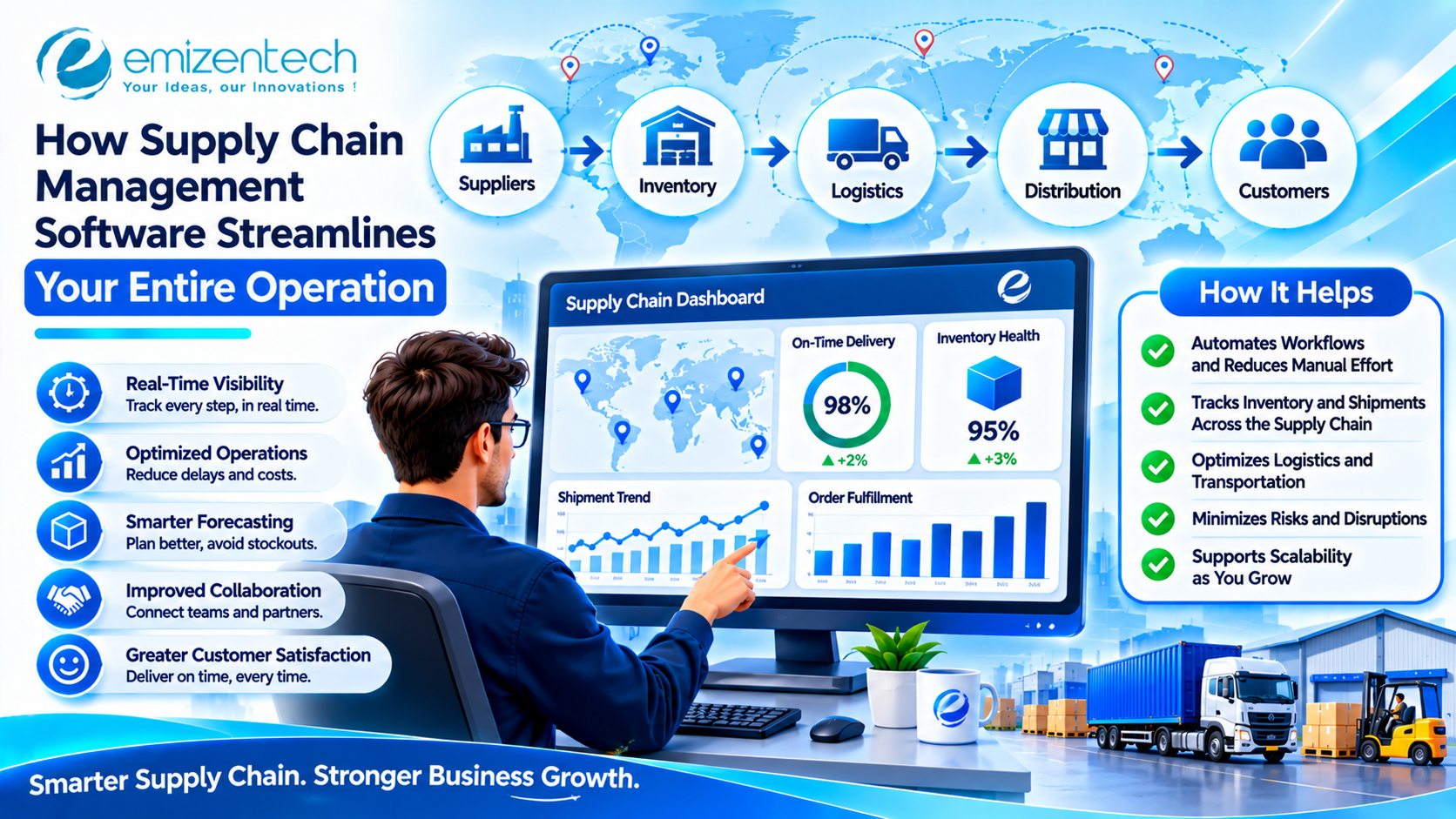

Most supply chains don't fail in one dramatic moment. They wear down slowly. A purchase order sits in someone's inbox, a stock count in a spreadsheet is two days old, and a delayed shipment reaches the sales team only after the customer calls. Each gap looks small, but together they drain time and money. Supply chain management software closes those gaps by putting planning, sourcing, storage and delivery on one connected system, so everyone works from the same live numbers.
What Supply Chain Management Software Actually Does
Supply chain management (SCM) software is a platform that links every step between raw material and final delivery. It covers planning, sourcing, production, warehousing and shipping, and it keeps data moving between them instead of leaving it stuck in separate files.
Most platforms are built around a handful of core modules:
- Demand planning: forecasts what customers will buy and when
- Procurement: handles purchase orders, supplier records and approvals
- Inventory management: tracks stock levels across warehouses and stores
- Order management: captures orders and routes them for fulfillment
- Logistics: plans routes, carriers and shipment tracking
People often confuse SCM with ERP or a basic inventory tool. An ERP covers the whole business, including finance, HR and accounting, so its supply chain features tend to be general. A standalone inventory tool counts stock and little else. SCM software goes deeper on the movement of goods, from supplier negotiations to last-mile delivery, and it usually connects to the ERP rather than replacing it.
Where Operations Slow Down Without It
Before looking at what the software fixes, it helps to see what breaks in a manual or patchwork setup. The problems are rarely dramatic, which is exactly why they stay unfixed for so long.
- Data silos between departments: Sales promises a delivery date that the warehouse never agreed to, and finance works from numbers that purchasing has already moved past.
- Delayed or inaccurate stock information: A count that is a day old is often wrong by the time someone acts on it, which leads to overselling or surprise shortages.
- Slow supplier communication and approvals: Email threads and paper sign-offs stretch a simple reorder into days of waiting.
- Reactive decisions instead of planned ones: Without clear data, teams spend their time reacting to problems that earlier visibility would have prevented.
How SCM Software Streamlines Each Stage
A supply chain works as one continuous flow: forecast demand, buy what is needed, store it, ship it and handle what comes back. Supply chain management software connects these steps so data moves between them automatically. The sections below show what changes at each stage.
Demand Forecasting and Planning
The software blends past sales with live signals such as seasonality, promotions and current order trends to estimate what will sell. Better forecasts mean fewer cases of overstocked shelves tying up cash or empty ones losing sales.
Procurement and Supplier Management
Purchase orders are generated and routed for approval automatically, which removes most of the back and forth. The system also records delivery times, quality issues and pricing for each supplier, and keeps contracts in one searchable place so renewals don't slip by.
Inventory and Warehouse Control
Stock is visible in real time across every location, so a manager can see what is available before promising it. Reorder triggers fire when levels hit a set point, and barcode or scanner-based picking cuts down the errors that come from manual lookups.
Order Fulfillment and Logistics
Once an order lands, the system picks the closest stock, assigns a carrier and plans the route. Shipment tracking gives customers and support teams a real status, and shorter planning cycles let the business commit to faster, more realistic delivery dates.
Returns and Reverse Logistics
Returns are usually the messiest part of any operation. SCM software logs the return, decides whether the item goes back to stock, gets repaired or is sent to the supplier, and raises the claim automatically. Nobody has to chase paperwork by hand.
Business Benefits You Can Measure
Features only matter if they change results. When the stages above run on shared data, the effect shows up in numbers a finance team can actually check, not just in a smoother workday.
- Lower carrying and operational costs: Leaner stock and less manual handling reduce storage, labor and waste.
- Fewer stockouts and delays: Better forecasts and reorder triggers keep popular items on the shelf.
- Better supplier relationships: Clear, timely orders and performance data make negotiations more factual and less tense.
- Faster, data-backed decisions: Managers stop waiting for weekly reports and act on what is happening today.
- Improved customer satisfaction: Accurate delivery dates and fewer mistakes are what customers actually notice.
Features Worth Prioritizing in an SCM Platform
Not every business needs every feature, and long feature lists can hide the ones that matter. Start from your own bottlenecks, such as slow approvals or poor stock accuracy, and then check which platforms handle those well.
- Real-time dashboards and reporting: One view of stock, orders and shipments without exporting anything.
- Integration with ERP, CRM, accounting and ecommerce tools: The platform should exchange data with the systems you already run, otherwise you simply create another silo.
- AI and predictive analytics: Useful for spotting demand shifts and supplier risks before they turn into delays.
- Mobile access: Warehouse staff and field teams need to scan, update and approve from a phone or handheld device.
- Scalability and role-based access: The system should grow with your order volume and let you control who sees or changes what.
Challenges to Plan for During Implementation
Many SCM rollouts disappoint, and the software is rarely the reason. The usual cause is that the business treated it as an install job rather than a change in how people work. Knowing the common trouble spots early makes them far easier to manage.
- Data migration and cleanup: Old product codes, duplicate suppliers and wrong stock counts will follow you into the new system unless they are cleaned first.
- Integration with legacy systems: Older tools may lack modern connections, so some custom work or middleware is often needed.
- Team adoption and training: If warehouse and purchasing staff find the system slower than their old routine, they will quietly go back to it.
- Customization versus cost: Heavy customization can solve real problems, but it also adds cost and makes future upgrades harder.
Best Practices for a Smooth Rollout
A phased approach almost always beats a big-bang launch. You get to learn from a small group, fix what doesn't work, and build confidence before the whole operation depends on the system.
- Map current workflows first: Write down how orders, approvals and stock really move today, including the workarounds people rely on.
- Start with one function, then expand: Many teams begin with inventory or procurement and add modules once the first one is stable.
- Involve suppliers and warehouse teams early: The people who use the system daily will spot problems that managers miss.
- Track KPIs from day one: Record a baseline for metrics like order accuracy and cycle time so you can prove the change is working.
Conclusion
A supply chain run on guesswork reacts late and pays for it in excess stock, missed deliveries and frustrated customers. A connected system replaces that guesswork with visibility, so forecasts, purchases, warehouse activity and shipments all point the same way. The software won't fix a broken process by itself, but paired with clean data, a phased rollout and a team that actually uses it, it turns a scattered operation into one you can see and steer.
FAQs
What is supply chain management software, in simple terms?
It is a tool that tracks and coordinates everything between buying materials and delivering the finished product to the customer. Instead of separate spreadsheets and emails, planning, purchasing, stock and shipping all live in one place and update together.
How is SCM software different from ERP?
An ERP manages the whole business, including finance, HR and accounting. SCM software focuses only on the flow of goods and goes deeper into forecasting, suppliers, warehousing and logistics. Many companies run both and connect them.
Can small and mid-sized businesses use SCM software?
Yes. Cloud-based platforms with monthly pricing have made it practical for smaller businesses, and they can start with a single module such as inventory or procurement before adding more as they grow.
How long does implementation usually take?
It depends on the size of the operation and how clean the existing data is. A focused rollout of one module can take a few weeks, while a full multi-location setup with integrations often takes several months.
What KPIs show whether the software is working?
Common ones include order accuracy, inventory turnover, stockout rate, on-time delivery, supplier lead time and total supply chain cost. Compare them against the figures you recorded before launch.